Clear Water
Glass-clear, with light dancing underneath.
Real water physics on your Mac. Tilt the lid and it flows, rock it and it splashes.
Lean the screen back and the water climbs the glass. Bring it upright and it settles into a pool.
Wiggle the lid and waves slosh from side to side. Flick it and droplets leap off the surface.
Drag the pointer through the water to leave a wake. Everything underneath still clicks.
Clear water, lagoon, mercury and lava. Switch between them from the menu bar.
Glass-clear, with light dancing underneath.
Bright tropical turquoise.
Heavy liquid chrome that mirrors your screen.
Slow glowing magma under a cracked crust.
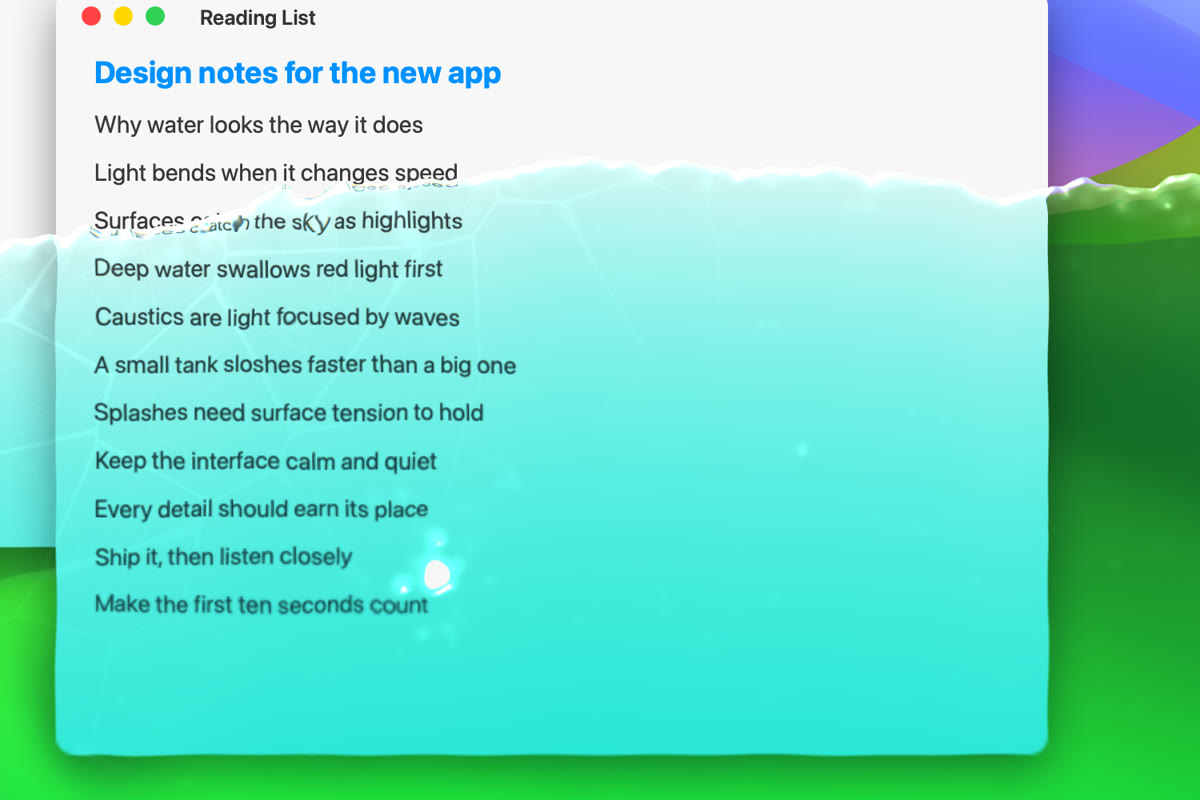
Windows, text and icons refract through the surface like a real glass tank.
Screen frames go to the GPU and are thrown away. Nothing is recorded or sent.
When the water settles, the simulation sleeps.
Fill, drain, splash and switch liquids from one small drop.
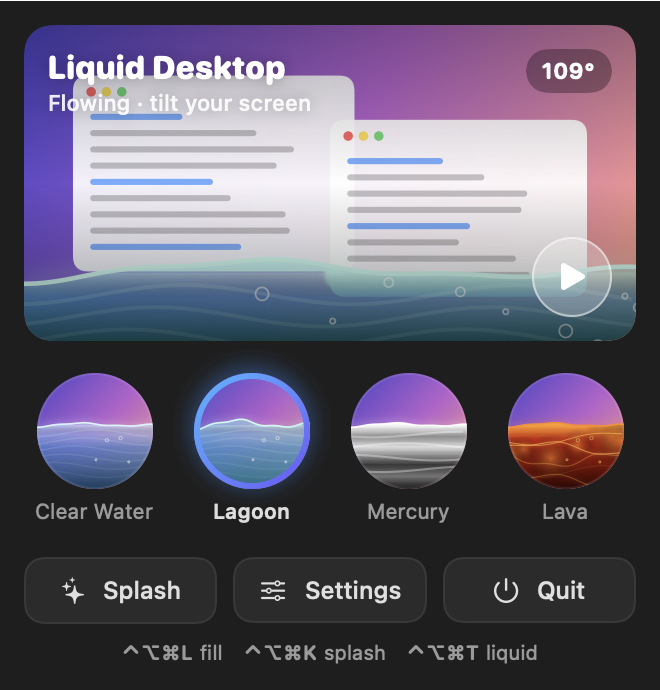
Drain or refill the water from any app, whenever you need your screen back.
No subscription and no account. After checkout you get a direct download link for the app.
Lid tilt needs a MacBook with a lid angle sensor.
Right after checkout you receive a download link by email. Open the DMG, drag Liquid Desktop into Applications and launch it. It appears as a drop in your menu bar.
Any Mac on macOS 14 Sonoma or later. Following the lid needs a MacBook that reports its lid angle. Without one, the water still flows, stirs under your pointer and splashes on a shortcut.
To bend what's underneath, the app needs a live image of your screen, and macOS calls that Screen Recording. Each frame is used on the graphics card and discarded. Nothing is saved or sent. You can decline, and the water is drawn without refraction.
Yes. The water ignores clicks, so everything underneath works as usual. Press Control Option Command L to drain it.
No. You pay once and keep it.